
Verify the source
Check the download location before opening unfamiliar links or installation files.
SAFER SETUP
Verify the source and prepare your device before installing. The main download area is below; desktop access currently shows a maintenance notice.
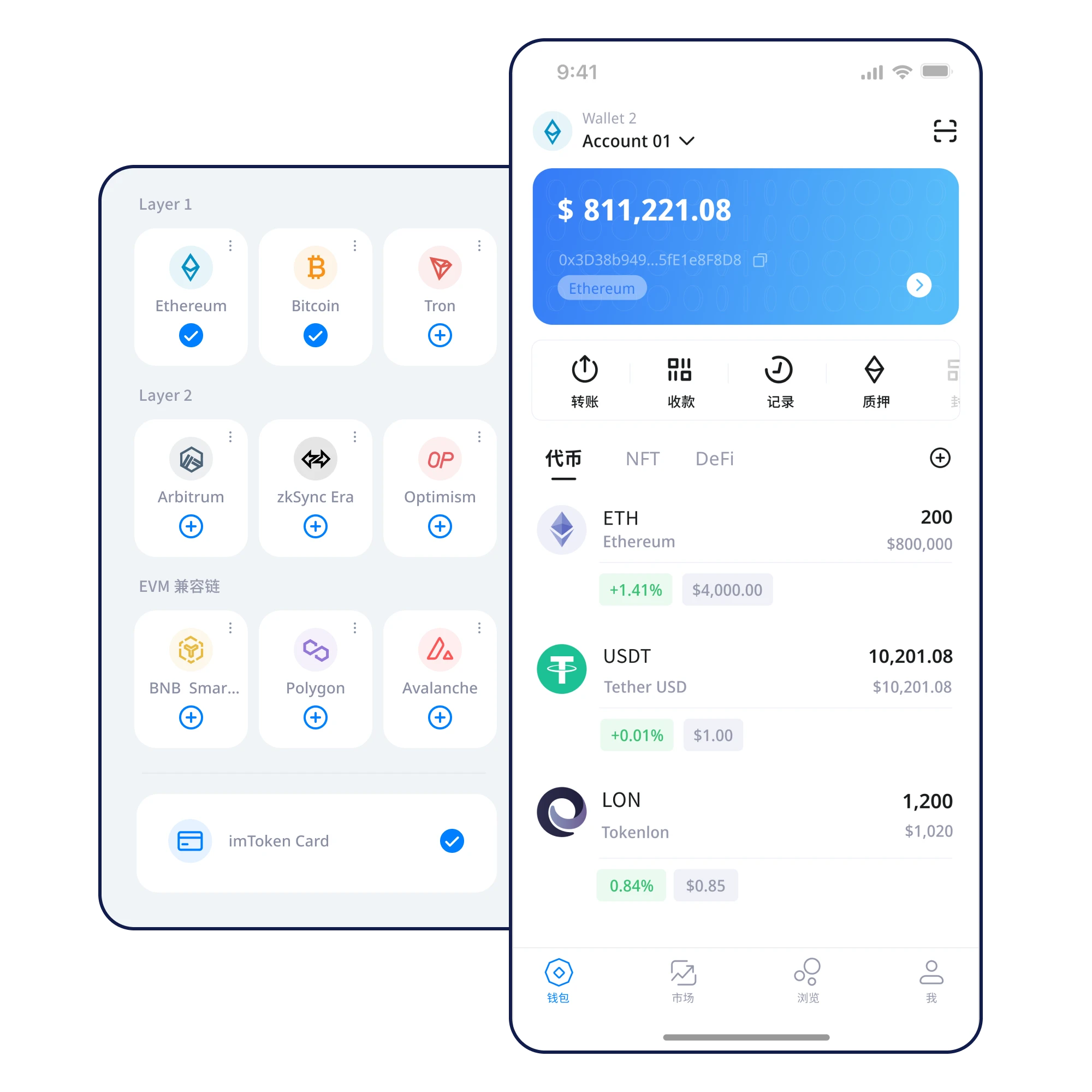
Check the download location before opening unfamiliar links or installation files.
Review device protections and set up wallet access carefully.
Write your recovery words in order in a private, offline setting.
Verify spelling and order; store a copy away from connected devices.
No unverified installation package, QR code or mirror is offered here. Verify sources independently and never share your recovery phrase.
Get started · Security first
Verify the source before installation. Back up your recovery phrase before managing digital assets.
⬇ Download Now